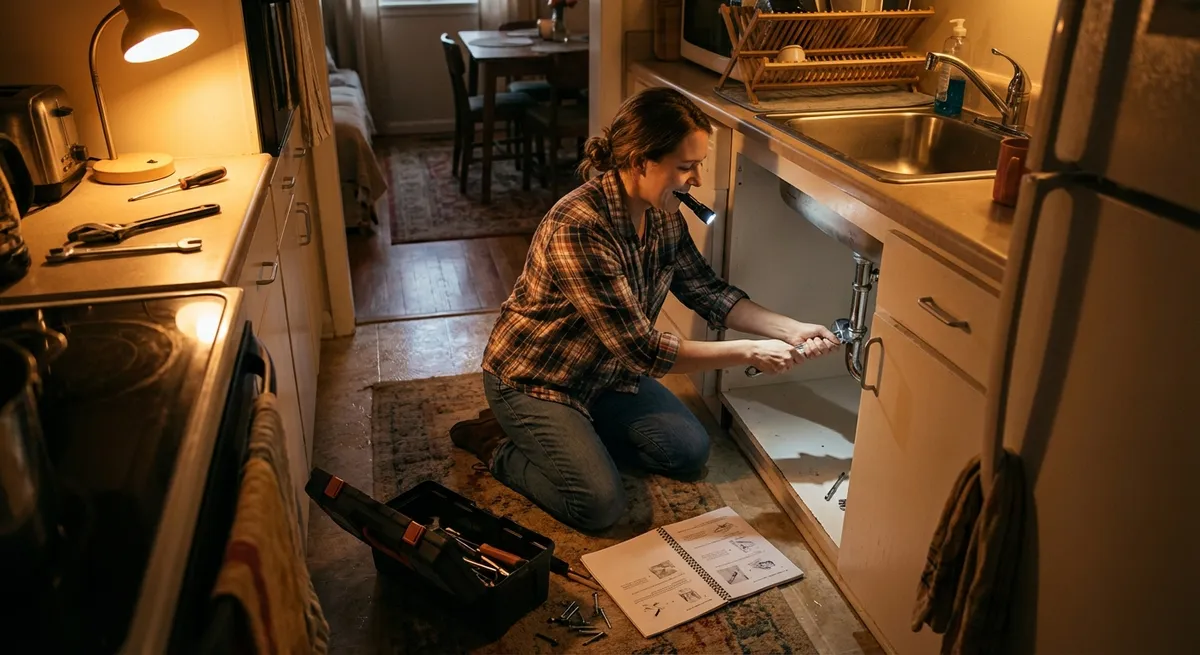
When something breaks, slows down, or suddenly stops working, you don’t always have time (or budget) to call in a pro. This quick fix playbook walks you through five common everyday problems with clear, step‑by‑step solutions you can safely try at home. No special tools. No jargon. Just practical actions that get things working again—or stable until you can schedule a proper repair.
Quick Fix #1: Stop a Running Toilet That Won’t Calm Down
A running toilet wastes water and money, and that constant sound can drive you up the wall. The good news: most issues come from inside the tank and are surprisingly easy to tame.
Step-by-step:
Remove the tank lid carefully
Place it flat on a towel or soft surface so it doesn’t chip or crack.
Identify the three key parts
- Fill valve (usually on the left, where water comes in) - Float (plastic ball or cylinder that moves with water level) - Flapper (rubber piece at the bottom that opens when you flush)
Test the flapper seal
- Gently press the flapper down with your finger. - If the running sound stops, the flapper isn’t sealing properly.
Adjust or clean the flapper
- Turn off the water supply valve behind or beneath the toilet. - Flush to empty most of the tank. - Check the flapper for mineral buildup, warping, or debris. - Wipe it and the seat around it with a cloth or sponge. - Turn the water back on and test.
Shorten the chain (if needed)
- If the chain attached to the flapper is too tight, the flapper can’t close. - Leave a slight slack (about ½ inch); adjust by moving the hook to a different link.
Adjust the water level
- If water is flowing into the overflow tube, the tank is overfilling. - For a float arm: gently bend it downward so the valve shuts off sooner. - For a float cup: use the adjustment screw or clip to lower the float.
Know when to replace parts
- If the flapper is cracked, hardened, or warped, replace it (they’re cheap and universal models fit many toilets). - If adjustments don’t help, a fill‑valve and flapper kit is still a budget-friendly fix you can install with basic tools.
Quick Fix #2: Revive a Slow or Unresponsive Wi‑Fi Connection
A lagging connection makes everything harder—streaming, work calls, online forms. Before assuming you need a new router, there are quick, structured checks that often restore normal speeds.
Step-by-step:
Confirm the problem is Wi‑Fi, not the device
- Test multiple devices (phone, laptop, tablet). - If only one is slow, restart that device first.
Restart the router and modem properly
- Unplug both router and modem from power. - Wait at least 30 seconds (this clears cached errors). - Plug the modem back in, wait until all its lights stabilize. - Then plug in the router and wait for Wi‑Fi to reappear.
Check for signal issues, not just “internet” issues
- Move closer to the router and test. - If it’s faster nearby but slow in other rooms, the problem is weak signal, not the connection itself.
Reduce interference quickly
- Move the router off the floor and away from thick walls, metal shelves, and appliances like microwaves. - If possible, place it in a central, higher location.
Test your speed directly at the source
- Use a speed‑test website or app when you’re standing near the router. - If the speed is far below what you’re paying for, note the numbers.
Kick off bandwidth hogs
- Log in to your router (check its label for IP address and login info). - Look at connected devices; disconnect or pause devices you don’t need (smart TVs, consoles, unused tablets).
Try a quick channel or band change
- If your router supports 2.4 GHz and 5 GHz, connect modern devices to 5 GHz for less congestion. - In the router settings, change the Wi‑Fi channel from “Auto” to a less crowded one if your router shows options.
Know when to call your provider
- If you’ve rebooted, repositioned, and tested speeds near the router and it’s still very low, contact your ISP and share your test results.
Quick Fix #3: Quiet a Squeaky Door Without Specialized Lubricants
A squeaky door isn’t just annoying—it’s usually a sign of friction or minor corrosion at the hinge. While silicone or lithium lubricants are ideal, you can still reduce noise with items you already have.
Step-by-step:
Identify where the squeak is coming from
- Slowly open and close the door. - Listen for which hinge (top, middle, or bottom) makes the sound.
Try the simplest fix first: tighten screws
- Use a screwdriver to gently snug hinge screws on both the door and frame. - Don’t overtighten—just make them firm.
Use a household workaround lubricant
If you don’t have silicone spray or dedicated hinge lubricant, you can try: - A small amount of petroleum jelly - A drop of cooking oil (as a temporary fix only; it can attract dust) - Dry bar soap rubbed on the hinge pin (better than nothing in a pinch)
Apply carefully
- Open the door fully. - Use a cloth or cotton swab to apply a thin layer to the visible hinge pin and around the hinge joints. - Wipe off any drips or excess immediately so it doesn’t run down the door or frame.
Work the door to distribute
- Open and close the door 10–15 times to spread the lubricant inside the hinge. - Listen for improvements after a few cycles.
Deepen the fix if squeak persists
- If comfortable, gently tap the hinge pin up with a nail and hammer until you can pull it out. - Wipe the pin clean, then coat lightly with petroleum jelly or proper lubricant. - Reinsert the pin and work the door again.
Plan for a more durable solution
- Household oils and soaps can be temporary. - For a longer‑lasting repair, switch to a silicone spray or white lithium grease when you have access to them.
Quick Fix #4: Free a Stuck Zipper Without Breaking It
Backpacks, jackets, and bags often feel “ruined” when the zipper jams. You can usually rescue them without force or sewing by reducing friction and realigning the teeth.
Step-by-step:
Stop pulling immediately
- Excessive force can bend the slider or tear the fabric. - Keep the zipper in its current position.
Inspect the jam area
- Look closely at where it’s stuck. - Common issues: - Fabric caught in the teeth - Teeth misaligned - Debris or corrosion on metal zippers
Gently free trapped fabric
- Use a blunt object (like a rounded toothpick or the back of a sewing needle) to tease fabric away from the teeth. - Work from both sides of the zipper if possible.
Add a light lubricant
Use one of these common items (tiny amounts): - Graphite from a pencil (rub the tip along the zipper teeth) - Bar soap rubbed lightly on both sides of the teeth near the jam - A cotton swab with a drop of petroleum jelly applied carefully around, not on, the fabric
Work the slider gently
- Wiggle the slider slightly back and forth, then slowly move it in the opposite direction of the jam first. - Gradually try to move it past the stuck area.
Realign misbehaving teeth
- If teeth look bent or out of line, gently press them back into place using a small tool (like tweezers) before trying to move the slider again.
Tighten a loose slider (if zipper keeps splitting)
- If the zipper keeps opening behind the slider, the slider may be too loose. - Use pliers to gently squeeze the top and bottom plates of the slider together slightly (tiny adjustments—test after each squeeze).
When to stop and seek a replacement
- If multiple teeth are missing or the slider is cracked, it usually needs professional repair or replacement. - Until then, safety pins or clips can temporarily secure critical areas.
Quick Fix #5: Restore a Smartphone That Suddenly Freezes or Misbehaves
A frozen or glitchy phone doesn’t always mean it’s dying. Often, a few quick actions can clear temporary software hiccups and get you back to normal without data loss.
Step-by-step:
Try a basic soft restart
- For most phones: hold the power button until power options appear, then choose “Restart.” - If that menu doesn’t appear, move to a forced restart.
Perform a forced restart safely
- On most iPhones with Face ID: quickly press Volume Up, then Volume Down, then hold the Side button until you see the Apple logo. - On many Android devices: hold Power and Volume Down simultaneously for 10–15 seconds (models vary—check your manufacturer’s instructions when possible).
Clear app-level issues
- Once it restarts, close all open apps. - Reopen only the app that caused trouble; if it misbehaves again, uninstall and reinstall that app.
Check for low storage
- Go to Settings → Storage (exact path varies). - If storage is nearly full (usually above 90%), delete unused apps, old videos, and large downloads. - Aim for at least 10–20% free space for smoother performance.
Update your system and apps
- In Settings → Software Update, install pending system updates. - Open your app store and update all apps. Updates often include crash and performance fixes.
Disable or remove recent additions
- If problems started after installing a particular app, remove it temporarily. - Restart again and see if the issue disappears.
Quick battery and overheating check
- If the phone feels hot, remove any thick case and let it cool in a shaded, cool area (never in a fridge or freezer). - Avoid gaming or charging while it’s overheated.
Back up before deeper troubleshooting
- If glitches keep returning, perform a full backup (iCloud, Google, or manufacturer’s backup tool). - With a backup in place, you’re safer if you later need a full reset or professional repair.
Conclusion
Most everyday breakdowns don’t need to become full‑blown emergencies. A running toilet, sluggish Wi‑Fi, squeaky hinge, stuck zipper, or frozen phone can often be calmed with a few focused steps and basic household items. The goal isn’t to become your own plumber, technician, or tailor overnight—it’s to stabilize the problem, restore basic function, and buy yourself time to decide whether a bigger repair is really necessary.
Keep this quick fix playbook handy, share it with friends and family, and use it as your first line of defense when something suddenly stops cooperating. The right small move at the right moment can save you money, stress, and a lot of waiting around for help.
Sources
- [U.S. Environmental Protection Agency – Fixing Leaks at Home](https://www.epa.gov/watersense/fix-leak-week) – Covers the impact of running toilets and simple steps for reducing water waste
- [Federal Communications Commission – Broadband Speed Guide](https://www.fcc.gov/consumers/guides/broadband-speed-guide) – Explains internet speed basics and what to expect from your connection
- [Family Handyman – How to Fix Squeaky Doors](https://www.familyhandyman.com/project/how-to-fix-squeaky-doors/) – Practical guidance on lubricating and adjusting door hinges
- [University of Arkansas Extension – Zipper Repair Tips](https://www.uaex.uada.edu/publications/PDF/FSFCS48.pdf) – Extension publication with zipper troubleshooting and repair methods
- [Apple Support – If your iPhone, iPad, or iPod touch won’t turn on or is frozen](https://support.apple.com/en-us/HT201412) – Official instructions for safely restarting frozen Apple devices
Key Takeaway
The most important thing to remember from this article is that this information can change how you think about Quick Fixes.



