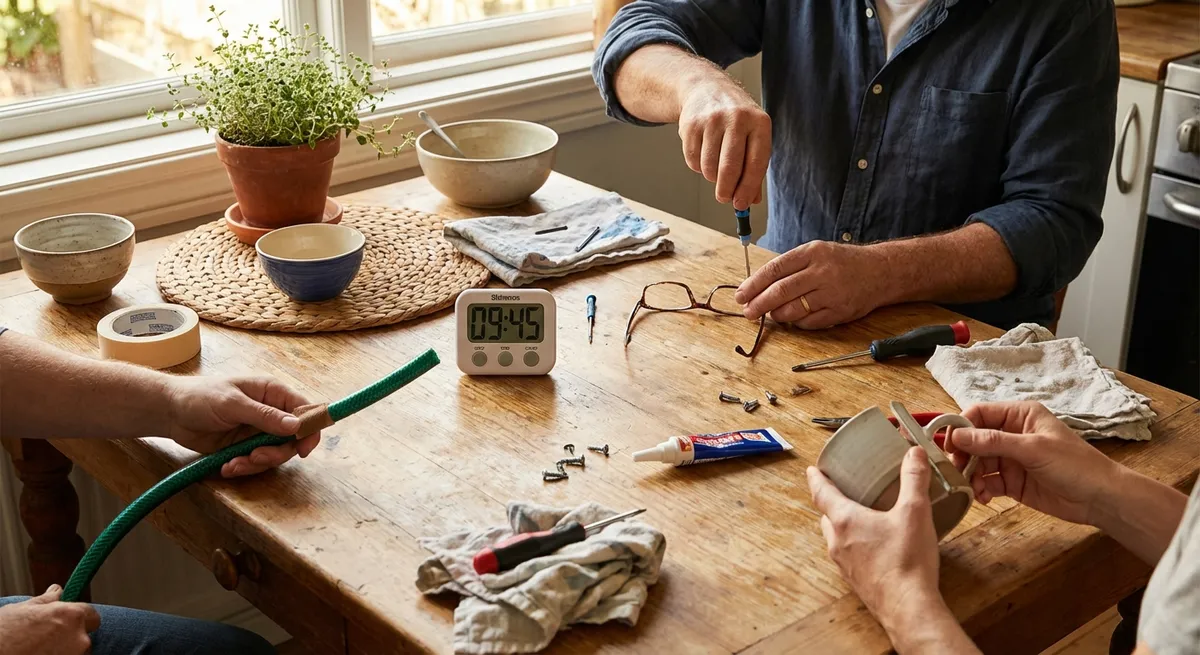
Life is full of small problems that slow you down: a dead remote, a wobbly chair, a phone that won’t charge, a door that squeaks every time you close it. You don’t need a toolbox full of specialized gear—or a professional—to handle most of these. You just need a few basics, a straightforward plan, and a little know‑how. This guide walks you through five quick fixes you can knock out in minutes and actually feel the difference today.
Fix 1: Phone Not Charging Reliably
A loose charger connection doesn’t always mean your phone or cable is dead. In many cases, the charging port is just dirty.
Step-by-step: Clean the charging port safely
- Power off your phone completely.
This reduces the risk of short circuits while you’re working around the port.
- Shine a light into the charging port.
Use your phone’s flashlight (from another phone) or a small LED light to look for lint, dust, or debris.
- Use a non‑metal tool to clean.
- Ideal: wooden or plastic toothpick, plastic dental pick, or a soft brush
- Gently insert the tool and very lightly scrape or brush along the bottom of the port.
- Do not force it, and avoid metal tools that can damage pins.
- Blow out remaining dust.
Use short bursts from a can of compressed air if available. Hold the can upright and don’t blow continuously to avoid moisture buildup.
- Inspect the cable and charger.
- Check for frayed or bent connectors.
- Try a different outlet, brick, and cable to rule out external issues.
- Power on and test.
Plug in and gently wiggle the connector. If it’s more secure and charges consistently, you’ve likely solved the problem.
When to stop and call a pro:
If the port feels loose or wobbly, or you see bent pins inside, don’t keep trying to force the cable. That’s a job for a repair technician.
Fix 2: Quiet a Squeaky Door in Minutes
That door squeak you’ve been ignoring is one of the easiest household annoyances to fix.
Step-by-step: Lubricate the door hinges
- Open and close the door to locate the squeak.
Confirm the sound is coming from the hinges, not the latch or frame.
- Choose a lubricant you already have.
- Best: silicone spray or a light lubricant like WD‑40
- Acceptable in a pinch: petroleum jelly or a drop of cooking oil (short term)
- Protect the floor.
Place an old cloth or paper towel under the hinges to catch drips.
- Apply a small amount directly to the hinge.
- If using spray: use the straw attachment for accuracy.
- Aim at the hinge pin and the moving joints.
- Work the door back and forth.
Open and close the door 10–15 times to work the lubricant into the hinge.
- Wipe off excess.
Remove drips from the hinge and door surface to avoid staining and dust buildup.
- Check the latch strike plate.
If the door still makes noise or sticks, lightly tighten the screws on the strike plate and hinges with a screwdriver.
When to go further:
If the door is rubbing on the floor or frame, the problem may be alignment or swelling, which can require sanding or rehanging—still DIY‑able, but more than a 10‑minute job.
Fix 3: Stabilize a Wobbly Chair or Table
A shaky chair or table isn’t just annoying—it can be unsafe. Luckily, most wobble issues are caused by loose screws or uneven legs.
Step-by-step: Tighten and level the furniture
- Flip or tilt the furniture safely.
Place it on its side or upside down on a soft surface (rug, towel) to avoid scratches.
- Check all screws and bolts.
- Use a Phillips or flathead screwdriver or an Allen/hex key, depending on the hardware.
- Gently try to turn each fastener clockwise. Tighten any that move easily.
- Test for wobble again.
Set the furniture upright and press on different corners. If it’s still wobbly, one leg is probably shorter or the floor is uneven.
- Identify the problem leg.
Sit at or press on the table and see which leg leaves the floor. Mark it with a piece of tape.
- Use simple shims for a quick fix.
- Slide a folded piece of cardboard, felt pad, or furniture slider under the short leg.
- Adjust thickness until the wobble disappears.
- For a cleaner look, use adhesive felt pads designed for furniture.
- Recheck periodically.
Retighten screws every few months, especially on frequently used chairs.
When to consider replacement parts:
If wood joints are cracked or hardware is stripped, you may need wood glue, replacement brackets, or new screws for a more permanent repair.
Fix 4: Restore Weak Water Flow from a Faucet
If your bathroom or kitchen faucet has gone from strong stream to weak trickle, the aerator is often clogged with mineral deposits.
Step-by-step: Clean the faucet aerator
- Locate the aerator.
It’s the small screen assembly at the tip of the faucet where water comes out.
- Unscrew the aerator.
- Try by hand first, turning counterclockwise.
- If it’s stuck, wrap it with a cloth and use pliers gently to avoid scratching.
- Disassemble over a bowl or towel.
The aerator contains small parts (screens, washers). Lay them out in order so you can reassemble correctly.
- Soak in vinegar.
- Place the parts in a small dish.
- Cover with white vinegar and soak 15–30 minutes to dissolve mineral deposits.
- Scrub and rinse.
Use an old toothbrush or small brush to gently clean the screens and housing. Rinse thoroughly with water.
- Reassemble and reinstall.
- Put the components back in the correct order.
- Screw the aerator back onto the faucet by hand, then snug it gently with pliers if needed (don’t overtighten).
- Test water flow.
Turn the faucet on slowly and check for a smooth, even stream. If it sputters briefly, that’s normal right after reinstalling.
If the problem persists:
If flow is still weak, the issue could be with the supply valves under the sink or buildup inside pipes, which may require a plumber.
Fix 5: Get a Remote Control Working Again
A “dead” remote is often just a power or contact issue, not an electronic failure.
Step-by-step: Revive a non‑responsive remote
- Check for simple obstacles.
- Remove anything blocking the line of sight between the remote and device.
- Make sure you’re pointing it at the correct sensor (usually on the front of the TV or device).
- Replace the batteries correctly.
- Open the battery cover and remove old batteries.
- Check the + and − markings and insert fresh batteries in the correct orientation.
- Avoid mixing old and new batteries.
- Clean battery contacts.
- Look for corrosion (white or greenish buildup) on battery contacts.
- Lightly rub contacts with a dry pencil eraser or a cotton swab with a tiny amount of isopropyl alcohol, then let dry.
- Test the remote’s signal (simple IR test).
- Point the remote at a smartphone camera.
- Press any button while looking at the phone’s screen.
- If you see a flashing light at the remote’s tip on the screen, the remote is sending an infrared (IR) signal.
- Power-cycle the device you’re controlling.
- Unplug the TV or box from power for 30–60 seconds, then plug back in.
- Sometimes the problem is the device, not the remote.
- Re‑pair if it’s a smart/Bluetooth remote.
- Check your TV or device settings for “Remote” or “Accessories.”
- Follow the on‑screen instructions to pair or reconnect.
When it’s time to replace:
If brand‑new batteries and a visible IR signal still don’t control the device, the remote’s internal components may be faulty. Many TVs and streaming devices support inexpensive replacement remotes or smartphone remote apps as a workaround.
Conclusion
Small problems compound into big frustrations when they stick around. A slow‑charging phone, noisy door, shaky chair, weak faucet, or “dead” remote can all be turned around in minutes with basic tools and a simple plan. The key is to start: look closely, work methodically, and stop if something seems damaged or unsafe. Once you get comfortable with quick fixes like these, larger repairs feel a lot less intimidating—and you’ll keep more money and time in your own hands instead of waiting on a service call.
Sources
- [Apple Support – If your iPhone or iPad won’t charge](https://support.apple.com/en-us/HT204267) – Official guidance on diagnosing and resolving common charging issues
- [Consumer Product Safety Commission – Household Fires Involving Cooking Equipment](https://www.cpsc.gov/s3fs-public/5567.pdf) – Background on safe use of household items (relevant when using oils and sprays near heat sources)
- [U.S. Environmental Protection Agency – WaterSense: Fix a Leak](https://www.epa.gov/watersense/fix-leak-week) – Information on household water issues and saving water by maintaining fixtures
- [Family Handyman – How to Fix a Wobbly Chair](https://www.familyhandyman.com/project/how-to-fix-a-wobbly-chair/) – Practical examples of stabilizing loose furniture and joints
- [Mayo Clinic – Household chemical safety](https://www.mayoclinic.org/healthy-lifestyle/adult-health/in-depth/household-products/art-20045632) – Safety tips relevant when handling lubricants, cleaners, and other products during repairs
Key Takeaway
The most important thing to remember from this article is that this information can change how you think about Quick Fixes.



