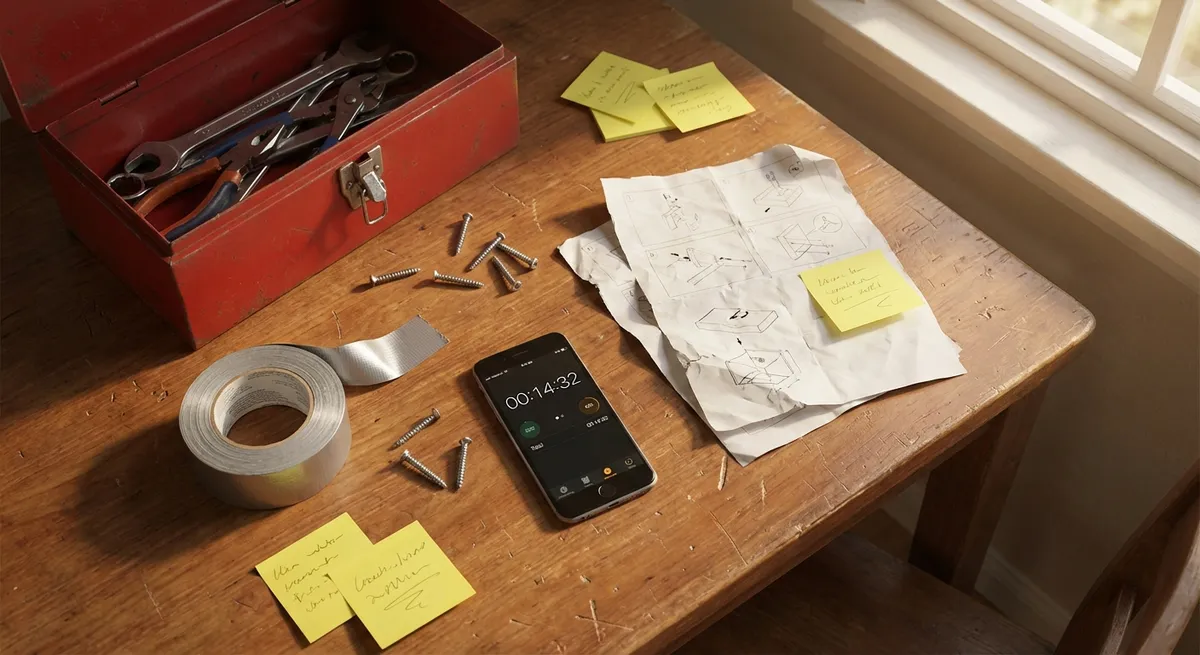
When something breaks or stops working, most people jump straight to “replace it.” But a lot of everyday issues can be solved in minutes with what you already have at home. This guide walks you through five practical, quick fixes—step‑by‑step—so you can get things working again without a service call or a shopping trip.
Each solution is designed to be simple, safe, and doable even if you don’t consider yourself “handy.”
---
1. Quiet a Squeaky Door or Cabinet Hinge
A squeaky hinge is annoying but usually easy to fix in under 10 minutes.
What you’ll need
- Paper towel or rag
- Lubricant:
- Preferred: silicone spray or white lithium grease
- In a pinch: a tiny bit of petroleum jelly or cooking oil
Step-by-step
- **Open and close the door to find the noisy hinge.**
Listen carefully—often only one hinge is responsible for most of the squeak.
- **Protect nearby surfaces.**
Place a paper towel or rag under the hinge to catch drips and protect paint or flooring.
- **Apply a small amount of lubricant to the hinge pin area.**
- If using spray: use the straw attachment and give it a short, controlled burst where the hinge plates meet.
- If using gel/grease: apply a pea‑sized amount with your finger or a cotton swab.
- **Work the hinge.**
Open and close the door 10–15 times to work the lubricant into the hinge. The squeak should fade as you move the door.
- **Wipe off excess.**
Any drips or visible residue should be wiped away so dust doesn’t build up.
- **If the squeak remains, repeat lightly, not heavily.**
More lubricant isn’t always better—a second light application is safer than flooding the hinge.
---
2. Restore a Weak‑Flushing Toilet (Without Calling a Plumber)
If your toilet isn’t flushing strongly, you may be able to fix it quickly—no special tools, no tank replacement.
What you’ll need
- Rubber gloves
- Small cup or plastic container
- White vinegar (optional but helpful)
- Old toothbrush or small cleaning brush
Step-by-step
- **Check the tank water level.**
Remove the lid and flush once. The water should refill to about an inch below the top of the overflow tube. If it’s much lower, adjust the float (the plastic ball or cup) slightly upward following the manufacturer’s instructions printed inside the tank or on the fill valve.
- **Inspect the flapper.**
The rubber flapper at the bottom of the tank should lift fully during a flush, then seal firmly.
- If it’s warped, cracked, or doesn’t seal well, it might need replacing (inexpensive and widely available).
- For a quick temporary fix, gently clean the rim where the flapper seals using an old toothbrush.
- **Clear mineral buildup in the rim holes.**
- Put on gloves and flush. As the water drains, use the toothbrush to scrub under the rim where water exits.
- For stubborn buildup, shut off the water supply at the valve, flush to empty the tank, and then:
- Soak paper towels in white vinegar
- Press them under the rim where the holes are
- Leave for 30–60 minutes, then scrub again.
- **Check the chain length.**
Weak flushes often come from clogged holes under the rim:
The chain between the flush handle and flapper shouldn’t be too tight or too slack. Adjust so there’s just a little slack—enough for the flapper to close fully but still lift completely when you flush.
- **Test your flush.**
Turn water back on (if you shut it off), let the tank fill, then flush. If the flush is still weak, repeat the rim cleaning once more before deciding you need a new flapper or professional help.
---
3. Revive a Slow or Freezing Laptop Without Buying a New One
A sluggish laptop often needs maintenance, not replacement. These steps focus on quick, reversible fixes you can do today.
What you’ll need
- Your laptop charger
- Stable internet connection
- 15–30 minutes of time
Step-by-step
- **Restart properly (not just closing the lid).**
A true restart clears temporary files and stuck processes. Save all open work, then choose Restart from your operating system menu—don’t just shut the lid or use “Sleep.”
- **Close unnecessary startup programs.**
- On Windows:
- Press `Ctrl + Shift + Esc` → Task Manager → Startup tab
- Disable apps you don’t need launching every time (chat apps, game launchers, etc.).
- On macOS:
- Go to System Settings → General → Login Items
- Remove apps you don’t need at startup.
- **Free up storage space.**
When your drive is nearly full, your system slows dramatically. Aim to keep at least 15–20% of your drive free.
- **Run system updates.**
- On Windows: Settings → Windows Update → Check for updates.
- On macOS: System Settings → General → Software Update.
Updates often include performance and security fixes.
- **Check for overheating.**
If your laptop feels hot and fans are loud:
- Move it to a hard, flat surface (not a bed or couch).
- Make sure vents are not blocked.
- Shut it down for 10–15 minutes to cool.
For a quick improvement, simply keeping the vents clear can prevent slowdowns and sudden shutdowns.
- **Scan for basic malware.**
Use your built‑in tools (Windows Security or macOS’s built‑in protections) or a reputable antivirus to do a quick scan if you notice sudden sluggishness, pop‑ups, or strange toolbars.
If performance improves after these steps but still isn’t great, your next move later could be adding more RAM or switching to a solid‑state drive—two upgrades that offer big speed gains.
---
4. Fix a Wobbly Chair or Table So It Feels Solid Again
Furniture that rocks or wobbles is more than annoying; it can break over time. This quick fix stabilizes most chairs and tables without special tools.
What you’ll need
- Old magazine, cardboard, or thin wood shim
- Scissors or utility knife
- Wood glue or strong craft glue (optional but recommended)
- Damp cloth
Step-by-step
- **Identify the uneven leg.**
Place the chair or table on a flat, hard floor. Gently rock it to see which leg lifts off the ground. You can also press down near each leg one at a time and watch for movement.
- **Test a temporary shim.**
- Tear a small piece of cardboard or folded paper.
- Slide it under the short leg.
- Adjust thickness by folding until the wobble stops.
- **Cut a more permanent shim.**
Once you know the thickness that works, cut a piece of cardboard, thin wood, or plastic to match the footprint of the leg (slightly smaller so it’s not visible).
- **Attach the shim.**
- Turn the furniture gently onto its side.
- Apply a thin layer of wood glue to the bottom of the short leg or to the shim itself.
- Press the shim firmly onto the leg and hold for 30–60 seconds.
- **Clean excess glue.**
Use a damp cloth to wipe away any glue that squeezes out around the edges before it dries.
- **Let it cure.**
Stand the furniture upright carefully and avoid heavy use for at least 30–60 minutes (check glue instructions for exact drying time).
- **Re‑test stability.**
Once dry, test again. If there’s still a minor wobble, you can lightly sand the longest leg or add another ultra‑thin shim layer for fine tuning.
---
5. Get a Dripping Kitchen or Bathroom Faucet Under Control
A constant drip wastes water and raises your bill—but some leaks can be tamed quickly while you plan a full repair or part replacement.
What you’ll need
- Towel
- Adjustable wrench or pliers (for temporary tightening)
- Allen key (hex key) set (if you need to access the handle)
- Flashlight
> Note: For anything beyond a minor drip or if you’re unsure, this is a stabilizing quick fix, not a full repair. When in doubt, shut off the water and consult a pro.
Step-by-step
- **Turn off the water supply if the drip is heavy.**
Look under the sink for the shut‑off valves (usually small oval or round handles). Turn clockwise until snug. If you can’t close it fully without force, stop and don’t overtighten.
- **Check the faucet handle position.**
Sometimes a handle isn’t fully closed or is slightly misaligned. Gently turn it off completely; avoid forcing it beyond its stop point.
- **Gently tighten visible connections.**
- Wrap a towel around any decorative finishes to prevent scratches.
- Use pliers or a small wrench to snug (not crush) the nut beneath the handle or spout if accessible.
This can stop minor leaks caused by loose fittings.
- **Inspect the aerator (the tip of the faucet).**
Mineral buildup can disturb water flow and give the impression of a leak.
- Unscrew the aerator by hand (or with a towel‑wrapped pliers grip).
- Rinse debris, soak it in vinegar for 15–30 minutes if scaled, then reassemble and screw it back on.
- **Stabilize with a controlled shut‑off for ongoing drips.**
- Turn the under‑sink shut‑off valve almost fully closed so only a very slow, minimal flow is possible.
- This reduces waste until you can replace a cartridge, washer, or call a plumber.
- **Document what you see.**
If the faucet still drips but you can’t fix it immediately:
Take clear photos of the faucet brand, model (if visible), and internal parts if you open it. This makes it much easier to buy the correct replacement parts or describe the issue to a professional later.
---
Conclusion
Most everyday problems don’t require panic—or a replacement. With a bit of patience and a clear, step‑by‑step approach, you can quiet squeaks, steady furniture, improve a toilet flush, revive a sluggish laptop, and calm a dripping faucet in a single afternoon.
Use these quick fixes as a starting point: stabilize the problem, buy yourself time, and then decide whether a deeper repair or upgrade is worth it. The more you practice small repairs, the more you’ll recognize which issues you can handle and which are better left to pros—saving you money, time, and a lot of frustration along the way.
---
Sources
- [U.S. Department of Energy – WaterSense: Fix a Leak](https://www.epa.gov/watersense/fix-leak-week) - Explains the impact of household leaks and basic steps to address them
- [Family Handyman – How to Fix a Squeaky Door](https://www.familyhandyman.com/project/how-to-fix-a-squeaky-door/) - Practical hinge lubrication advice and troubleshooting for noisy doors
- [Mayo Clinic – Computer Use and Eye Strain](https://www.mayoclinic.org/diseases-conditions/eye-strain/in-depth/computer-use/art-20046946) - Background on how computer performance and use patterns affect comfort and fatigue
- [Microsoft Support – PC Health and Performance Tips](https://support.microsoft.com/en-us/windows/pc-health-check-and-performance-tips-94cf4e86-26d6-48a2-84ec-71f4a0b3aa7f) - Official guidance on improving Windows device performance
- [USGS – How Much Water Does a Leaking Faucet Waste?](https://www.usgs.gov/special-topics/water-science-school/science/drips-and-leaks) - Quantifies water waste from dripping faucets and why quick action matters
Key Takeaway
The most important thing to remember from this article is that this information can change how you think about Quick Fixes.



